
In April 2016, I accepted the volunteer position of Wing Commander for North Dakota Wing Civil Air Patrol. In support of that position, I was given a cell phone that would allow my staff and our organization’s partners to contact me directly. That phone is a Samsung S7 that, by the end of my four-year term, was on its last legs. My personal phone, a Samsung S6, was little used but was beginning to show its age in battery life, even though it was off for much of the last four years. Besides, as a reward for my hard work in CAP, I wanted to upgrade to a better phone once my term ended. My wife had acquired a Samsung S9, and its camera system is much improved over both the S6 and S7. My original plan was to probably go with the S10 in April when my term expired.
Coincidentally, in late February, Samsung offered perks for pre-ordering any of the three S20 models, all featuring even better camera systems than the S10. I started researching the new cameras and decided I just had to have the S20U. The Ultra features three cameras at multiple focal lengths and some pretty amazing features. I placed my pre-order, and on March 7, I picked up the new phone. The opening image is one I captured using the S20U’s zoom, processed in Lightroom, and then in Luminar 4. But I’m sure you don’t want to see images after processing, so unless I say otherwise, the images in this post are straight from the camera, with compression applied so they don’t take forever to load. The original files in the default camera mode are 4000 x 3000 pixels. For this post, I’ve reduced all image sizes to 1024 on the long edge. At the end of the article, I will provide a link to my Flickr site, where you can download and view the original photos at their full size if you are so inclined.
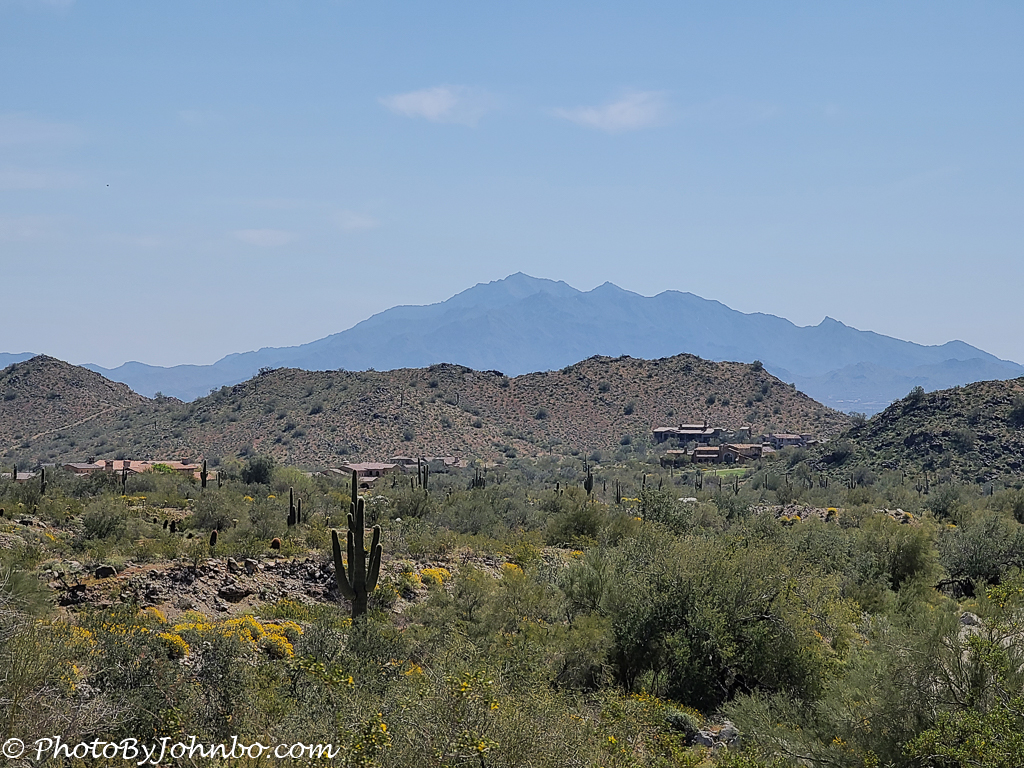
As you can see by comparing the original image above with the final image, post-processing can help improve the image. Probably the biggest help was in adding a bit of contrast and using the Dehaze tool to help bring out Estrella Mountain in the background. I used the Structure filter to bring out the detail in the mountain, which you can see by clicking the opening image to enlarge it. This shot is an example of a 10X zoom using the 12 MP camera. More about the Zoom feature coming up. The S20U is a big phone with a 6.9″ (175 mm) screen, the biggest of the three S20 cameras. The camera also boasts a 108MP sensor, twice the resolution of the other two S20s. Digital zoom is generally regarded as less useful due to the lack of pixels, but with a larger image sensor, you can still use it and still produce a quality image. The two more basic cameras feature a 30X zoom, but the S20U ups the ante to 100X.
Resolution and Image Size

By default, the camera is set to a 4×3 aspect ratio, 4000×3000 pixels, or 12 MP. Since I normally reduce images before publishing on web pages, I’ve left it there, or on the 16×9 setting, to keep file sizes low. Depending on the image’s complexity, the final JPG file size should be well under 10 MB. The image above was captured on the Red River with the 16×9 format set. Those images generate a 4000×2252 image, reducing the short edge rather than expanding the long edge to fill the widescreen in landscape mode on the S20U.
The highest-resolution mode is 108 MP, producing a 12000×9000-pixel image that can fill your storage medium at over 40 MB. Of course, the advantage is that the large file size allows the photographer to produce a high-resolution image for printing on a large canvas or other medium without quality loss. Another advantage of the large pixel count is the ability to zoom (pinch) into a wide-angle image and crop small areas while maintaining a high pixel count for higher-resolution images.
Zoom
In my opinion, the 108 MP mode makes this camera a reasonable all-around camera. I don’t know how they did it, but the camera has a 10X optical zoom. That alone is valuable for reaching out to grab something a bit away. The two photos below, however, really showcase the camera’s capabilities. The first is a pedestrian lift bridge over the Red River in Fargo. You may want to visit the link at the end of this post to pixel peep at the full-resolution image. The 12000×9000 image is reduced here to minimize the download times of this post.


The far end of the bridge exits to Gooseberry Park in Minnesota as the Red River is the state line. If you look closely in the image above, you’ll see some tiny “dots” on the sidewalk leading to the far side of the bridge. That’s a family walking toward the bridge. If you download the full-resolution image and load it into a photo editor that can view pixels at a 1:1 zoom level, you will get this approximate view on the far side of the bridge. No, you cannot see details like faces, but you can easily see it’s two adults, a baby carriage, and two kids. In fact, if you zoom in even closer to the family, you can even see the baby in the stroller. Well, at that level, it looks more like brushstrokes that make the image look like an impressionistic painting. That is greater detail than anyone probably would want, and you can see for yourself by downloading the original image to look at the details.
Low Light Performance

Samsung claims that the larger sensor size significantly improves night photography. I’m not conversant with all the tips and tricks for good low-light photography, and I don’t regularly attempt it. For this post, though, I thought I’d try a low-light still life. The image above is lit only by two LED “candles”. I set the shot up in Pro mode: ISO 1000, 1/2 sec, f/1.8. The only processing on the shot is a 1:1 crop. At f/1.8, the focus is really tight. Adjusting focus manually, the screen puts a green outline around the objects in focus. I focused on the books, and if you pixel-peep at the original image, you’ll notice that the two glasses are outside the plane of focus, so they’re slightly “fuzzy.”
Closeups
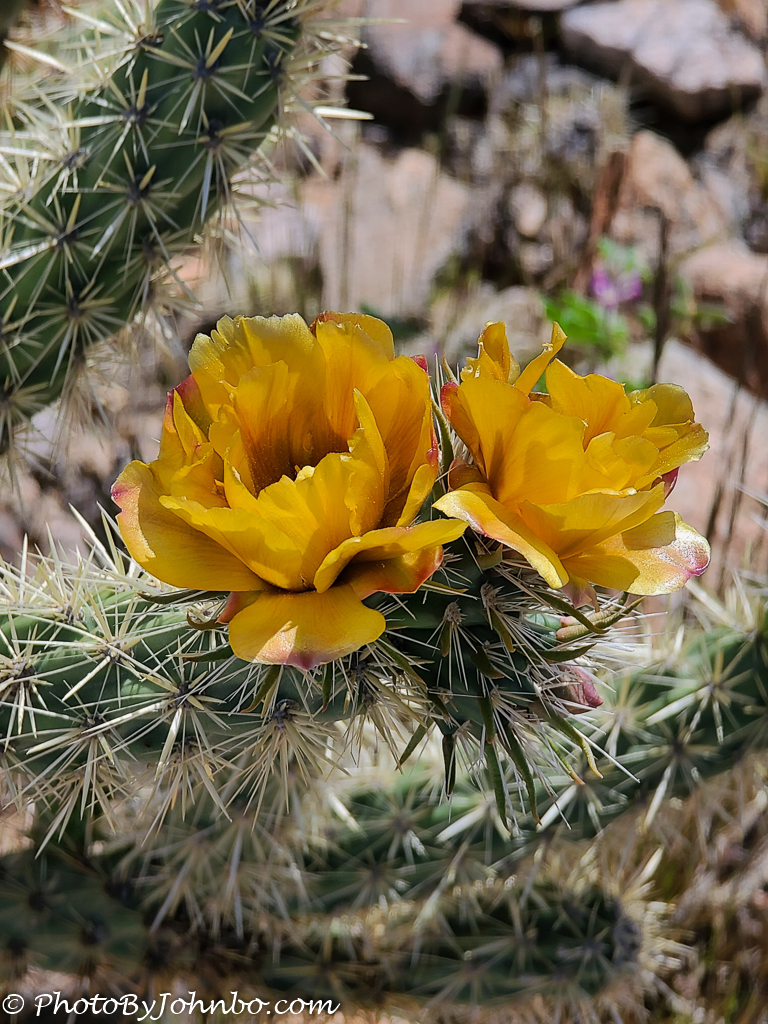
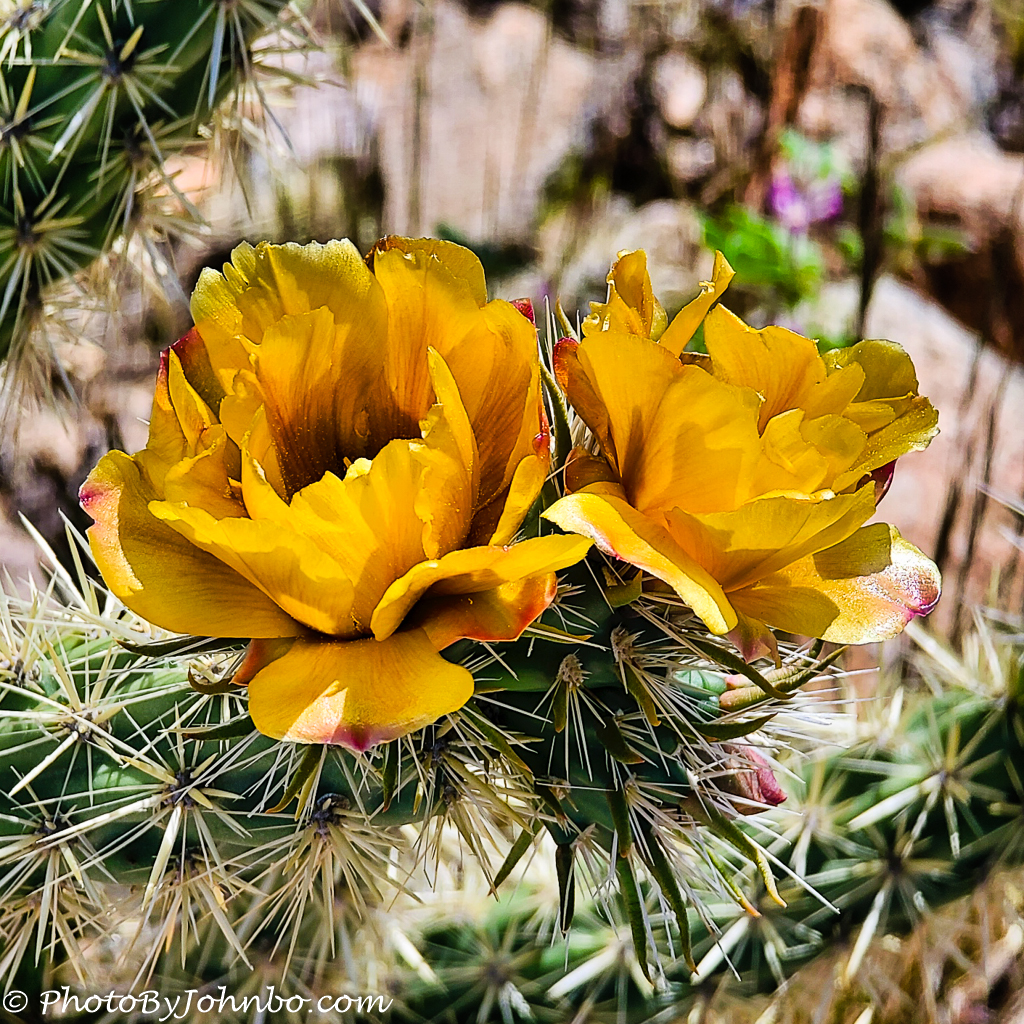
The Buckhorn Cholla cactus blossoms I found in the Arizona desert helped me showcase the camera’s depth-of-field capabilities. This image was a snapshot captured in the 4000×3000 mode with auto-exposure and auto-focus. I can tap on the screen to determine the focus point I want, but if it’s “obvious” to the camera, I don’t have to bother. The standard lens size is 19 mm, and this image was captured at 1/610 sec., f/3.5, ISO 25. The photo above is right out of the camera, but with minimal tweaks in post-processing and cropping to a square format, the image below is the final result I liked it so much, I had it printed on metal. If these two images look familiar, you probably saw them in a recent Lens-Artists Photo Challenge post here.
RAW vs. JPEG files
I admit I haven’t used RAW files from my cell phone before, and frankly, now that I’ve learned to use the S20U in RAW mode, I’m still not sure I’m going to bother much of the time. It uses the DNG RAW format, and the files import smoothly into Lightroom and other photo-editing programs. The limitations are that you can only use the 4000×3000 mode on the main rear camera, and you must be using Pro mode. Also, the camera only saves DNG and companion JPG files to the CAMERA>DCIM folder, even if your default storage is set to the SD card. You will need a USB-C cable to connect to your computer and download the DNG files for processing.
I purchased the 128 GB model, though 256 and 512 GB models are available. My reasoning for choosing the smaller internal memory is that the microSD card slot supports up to 1 TB. What I didn’t know then is that if I used Pro mode exclusively with RAW, the larger DNG files and the companion JPG files it produces are stored in the camera’s internal memory, even though I set the default to write to the SD card. Even so, I don’t shoot in Pro mode often enough to make it an issue for me. When I really want to use Pro mode, I want RAW as well. I’ll have to live with the smaller internal memory I chose.
Video
I don’t shoot much video and care little about the specs, but for the record, the rear camera supports 8K, 4K, and 1080P modes. The front camera is 1080P only. I keep the video mode set to 1080P for the little videos I capture.
Final comments
Shortly after its release, Samsung started getting complaints about the JPG processing being a bit “heavy-handed”, especially on selfies and portraits. A couple of weeks after release, a software update addressed the issue, and another in early April made a few more tweaks. All in all, I’m satisfied with the camera functionality. As they say, the best camera to have is the one you have with you. For a cell phone camera, this is a pretty nice camera to carry around.
Original photos
If you would like to download and pixel peep the actual images captured for this post, I’ve made them available on my Flickr site here. I have also included additional examples not published here. Images titled “108MP” are 9000×12000 pixels and will require significant bandwidth to download. I am still learning to use the camera on my new phone, but overall, I am happy with its performance.
John Steiner
 Journeys with Johnbo
Lovely photos as always, sir.
Your comment about caring little about video struck me. I also usually prefer still photography, especially on the Internet. However, I have been told by someone who knows that selling houses these days is all about the video(s) of the home and not about still photos.
True that. Virtual walk-through videos are very popular. Also drone videos of homes. A friend of mine has a “side job” of drone videos for real estate. At least until the pandemic, he kept pretty busy.
Thank you for sharing John!
I enjoyed reading this photo essay, John. I look forward to a memoir of your CAP service. This I know: you deserve kudos.
Thank you, my friend. One thing I can say… it won’t be a “tell all” book. >grin<